Introduction
Welcome to the future of virtual SMS verification. If you have just discovered getotp.net, you are one step away from reclaiming your digital privacy. Our platform is designed to be fast, intuitive, and secure, but we want to make sure you get the most out of your experience. In this guide, we’ll walk you through the getotp login process and show you how to navigate our dashboard features like a pro to get your OTP codes instantly.
Getting Started with getotp login
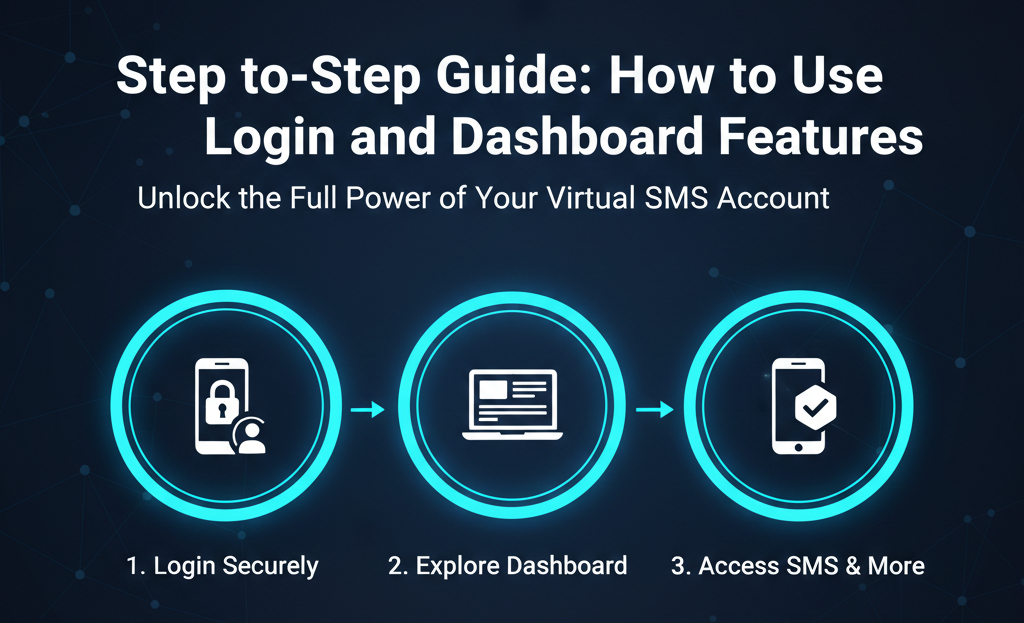
Accessing your virtual numbers starts with a secure login. Whether you are a first-time user or a returning customer, follow these steps:
-
Visit the Official Site: Always ensure you are on Getotp.net
-
Click on Login: Locate the getotp login button at the top right corner of the homepage.
-
Enter Your Credentials: Use your registered email and password.
-
Tip: If you haven’t created an account yet, the registration process takes less than 30 seconds and only requires a valid email address.
-
-
Secure Your Account: We recommend using a strong password to protect your credit balance and activation history.
Navigating the getotp.net Dashboard
Once you are logged in, you will be greeted by our streamlined dashboard. We’ve designed it to eliminate confusion so you can get your code and get on with your day.
1. The Service Selection Panel
On the left side (or top on mobile), you will see a searchable list of services.
-
Custom Search: Instead of scrolling, simply type "WhatsApp," "Telegram," or "Google" to find your app instantly.
-
Global Apps: We support over 500+ different digital services.
2. Country Picker
After selecting your service, you need to choose where your number comes from.
-
Filter by Region: You can sort countries by price or success rate.
-
India Focus: As a leader in getotp india services, our Indian numbers are prominently featured for easy access.
3. Balance Management
Your current balance is always visible at the top.
-
Top-Up Instantly: Click the "Add Funds" button to choose from various secure payment methods, including Crypto and global e-wallets.
-
History: View your previous transactions to keep track of your spending.
How to Activate a Number (The Pro Method)
To ensure 100% success when using the getotp.net dashboard, follow this specific workflow:
-
Select App & Country: Choose your target (e.g., WhatsApp - USA).
-
Click "Buy/Order": The system will instantly reserve a number for you.
-
Copy the Number: Click the number to copy it to your clipboard.
-
Paste in Your App: Open your app and request the SMS.
-
Watch the "Waiting for SMS" Status: Our dashboard uses real-time WebSockets. You don't need to refresh the page! The OTP will appear automatically in the "Status" column.
Advanced Features You Should Know
-
Order History: If you accidentally close your browser, you can log back in and see your active orders for up to 15-20 minutes.
-
Blacklist Feature: If a number is rejected by an app (which is rare), you can usually discard it and try another without being charged (refer to our refund policy).
-
API for Developers: For users running digital agencies or automation scripts, our dashboard provides access to API keys for bulk verifications.
Frequently Asked Questions (FAQs)
Q: I forgot my password. How can I recover my getotp login? A: Simply click the "Forgot Password" link on the login page, and we will send a reset link to your registered email immediately.
Q: Does the dashboard work on mobile? A: Yes! The getotp.net dashboard is fully responsive. You can buy numbers and receive OTPs directly from your smartphone browser.
Q: Why is my balance not updating after a deposit? A: Most deposits are instant. If you used Crypto, please wait for network confirmations. If it takes longer than 10 minutes, contact our support via the dashboard chat.
Conclusion
The getotp login is your gateway to a safer, more private internet experience. By mastering the dashboard features, you can verify any app in seconds and manage your virtual numbers with total ease.
Log in to getotp.net and Start Verifying Now