Introduction
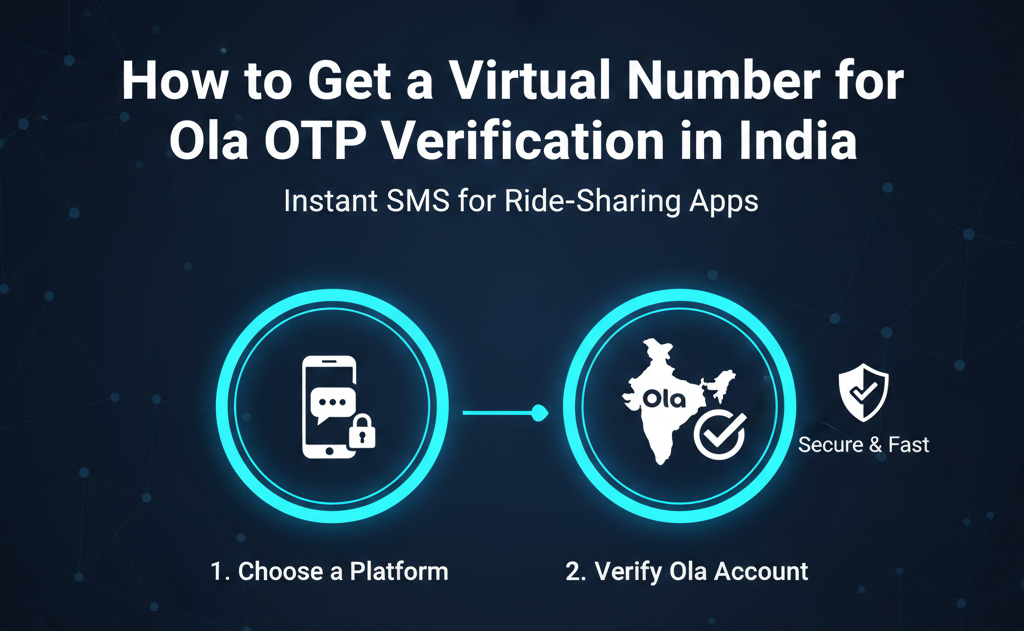
Are you trying to sign up for Ola Cabs in India but don't want to use your personal phone number? Or perhaps you are an international traveler visiting India and need a local number to book a ride? Ola requires a valid Indian mobile number for OTP (One-Time Password) verification to activate your account. If you don't have a local SIM card, the best solution is to use a virtual number. In this guide, we will show you exactly how to get a virtual number for Ola OTP verification using getotp.net.
Why Use a Virtual Number for Ola?
Ola is India's leading ride-sharing app, but many users prefer not to link their primary SIM for various reasons:
-
Privacy: Avoid getting marketing calls or SMS from third-party services linked to travel apps.
-
Travelers & Tourists: International visitors often find it difficult to get a local Indian SIM immediately upon arrival due to documentation requirements.
-
Multiple Accounts: Business travelers or testers may need more than one Ola account for logistical reasons.
-
Security: Using a virtual number keeps your real identity hidden while you travel.
The Challenge of Indian OTP Verification
India has strict telecom regulations, and apps like Ola often block standard VOIP (Voice over IP) numbers. This is why many "free" SMS websites fail to receive codes from Indian services.
To successfully receive an Ola OTP, you need a premium, non-VOIP Indian virtual number. getotp.net specializes in providing high-quality Indian numbers that are recognized as real mobile devices by Ola's security systems.
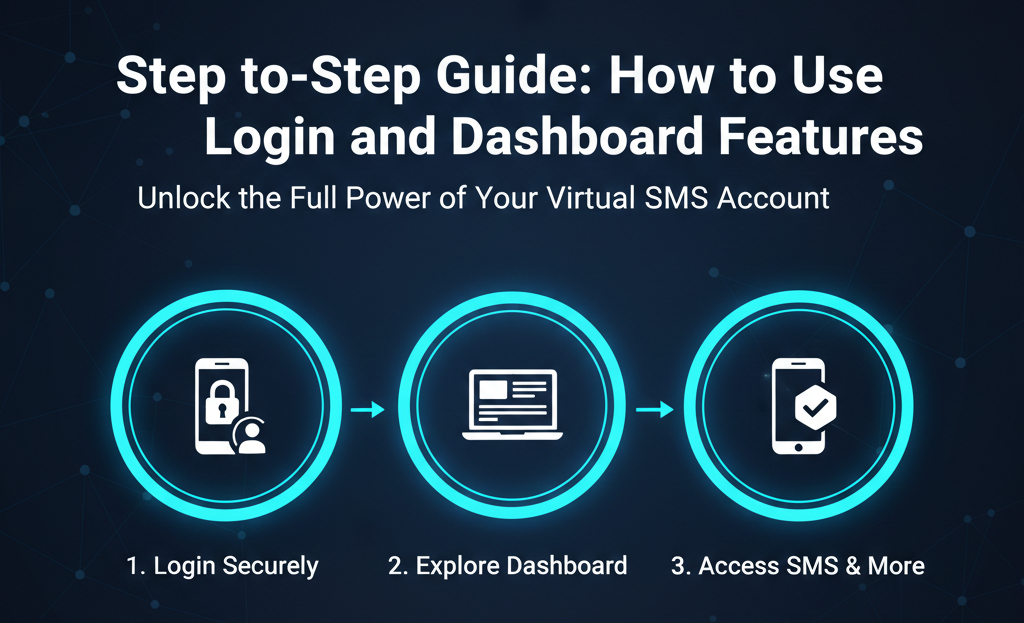
Step-by-Step Guide: Getting Your Ola OTP on getotp.net
Follow these simple steps to verify your Ola account in minutes:
-
Login to getotp.net: Use your getotp login to access your dashboard.
-
Add Balance: Deposit a small amount into your account. We support multiple secure payment methods suitable for users in India and abroad.
-
Select "India" as the Country: From the country list, choose India (+91).
-
Find "Ola" in the Service List: Type "Ola" in our search bar to ensure you get a number specifically optimized for their verification system.
-
Get the Number: Click "Buy" and your Indian virtual number will appear.
-
Enter in Ola App: Open the Ola app, enter the virtual number, and hit "Send OTP."
-
Receive Code: Your 4 or 6-digit OTP will appear instantly on your getotp.net dashboard. Copy it into the Ola app, and you’re ready to ride!
Why getotp.net is the Best Choice for Indian Services
When it comes to getotp india services, we offer several advantages:
-
Real Indian SIM Pools: We don't use virtual numbers that apps flag as "fake." Our numbers are sourced from real Indian mobile networks.
-
Fast Delivery: Ola OTPs are time-sensitive. Our system ensures you get the code before the timer runs out.
-
Cost-Effective: It is much cheaper to buy a one-time OTP for Ola than to buy a physical SIM card or pay for international roaming.
-
Secure & Private: Your data is never shared, and the verification remains completely anonymous.
Frequently Asked Questions (FAQs)
Q: Can I use this number for the Ola driver app too? A: Yes, our Indian virtual numbers work for both the Ola customer app and the Ola driver app verification.
Q: Will the number work if I am currently outside of India? A: Yes! You can verify your Ola account from anywhere in the world. This is perfect for people planning their trip to India in advance.
Q: What if the OTP doesn't arrive? A: If the code isn't delivered within the allocated time, getotp.net will automatically refund the credits to your account. You only pay for successful verifications.
Conclusion
Booking a cab in India shouldn't be a hassle just because you lack a local SIM. By using a dedicated virtual number for Ola OTP verification, you can enjoy the convenience of India's best ride-sharing service while keeping your personal data safe.
Get Your Indian Virtual Number Now – Visit getotp.net