Introduction
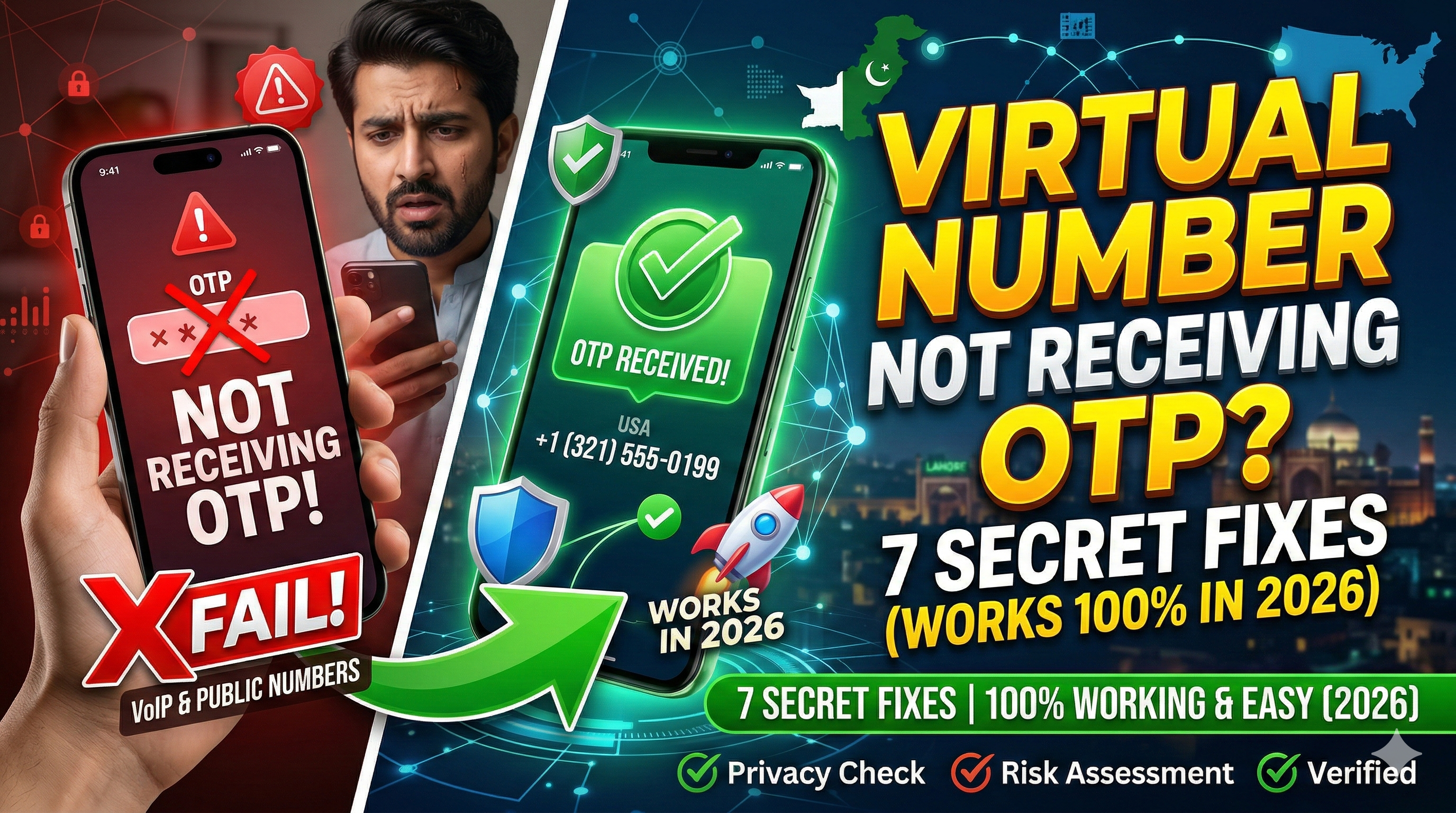
In 2026, digital platforms like WhatsApp, Google, Telegram, and Amazon have escalated their security protocols. Using AI-driven filters, these apps can now detect and block low-quality virtual numbers within milliseconds. Many users face the frustrating "OTP Timeout" or "SMS not sent" errors, even after paying for a service.
Are you struggling to get your verification code? Have you wasted credits on platforms like 5sim or SMS-Activate only to be met with silence? The reason for OTP failure is rarely just a "bad number"—it is often a series of technical mismatches on the user's end.
In this definitive guide, we reveal the 7 secret fixes to ensure you receive your OTP instantly, every single time.
The Evolution of SMS Verification in 2026
Before diving into the solutions, it is vital to understand how modern apps operate. In 2026, verification systems scan your Device Metadata, IP Address, and SIM Reputation simultaneously. If you are sitting in London but trying to verify a USA number without the correct settings, the app flags the request as "High Risk" and silently blocks the SMS.
Professional Virtual OTP Shops like GetOTP.Net provide real SIM-pool numbers, but if your local configuration is wrong, the code will never arrive.
Fix #1: The IP-Location Match (The VPN Secret)
The number one reason for OTP failure is IP Mismatch. If you have purchased a USA (+1) virtual number, your internet connection must appear as if it is coming from the USA.
-
The Fix: Use a premium VPN. If you are verifying a US number, set your VPN location to a major US city like New York or Los Angeles.
-
Pro Tip: Avoid free VPNs. Their IP addresses are already blacklisted by major tech companies. Only a high-quality residential proxy or a premium VPN (like Nord or Express) can bypass 2026 security filters.
Fix #2: Clear App Cache & Data (Resetting Digital Identity)
Mobile apps store "Fingerprinting" data. If you previously had a local account on your phone and are now trying to register a virtual number, the app detects the old data and blocks the verification for security reasons.
-
The Fix:
-
Go to Settings > Apps > [Your App].
-
Click Clear Cache and Clear Data.
-
For the best results, uninstall the app and reinstall it completely.
-
-
Result: The app will treat your device as a "Fresh Install," significantly increasing the chances of the SMS being released.
Fix #3: The "Call Me" Trap
Many users wait for the SMS timer to run out and then click the "Call Me" button. In 2026, virtual numbers often struggle with automated voice calls due to carrier-side spam filters.
-
The Fix: Always select "Resend SMS" instead of the call option.
-
Why? GetOTP.Net's infrastructure is optimized for ultra-fast SMS fetching. Voice calls are often routed through multiple international carriers and can fail easily, whereas SMS is delivered directly to your dashboard.
Fix #4: Selecting Service-Specific SIM Pools
Are you choosing the "Global" or "Any Other" category on your OTP provider's site? This is a major mistake. Each app (WhatsApp, Tinder, Google) has unique verification patterns.
-
The Fix: On the GetOTP.Net Dashboard, always select the specific service you are trying to verify.
-
Why? We maintain dedicated SIM pools for different services. A number that works for Amazon might be blocked by WhatsApp, so choosing the correct category ensures you are using a "Clean" number for that specific app.
Fix #5: Use Non-VOIP (Physical SIM) Numbers
High-security apps (especially banking and Google) can distinguish between a VOIP number (internet-generated) and a Physical SIM number.
-
The Fix: Always opt for Non-VOIP numbers.
-
GetOTP Advantage: We provide access to real, physical SIM card pools in the USA, UK, and other countries. When the app detects a legitimate mobile carrier instead of a virtual bridge, it releases the OTP immediately.
Fix #6: The "Dual-SIM Slot" Integrity
Some aggressive security bots check if your phone has a physical SIM slot active. If it detects a completely "SIM-less" device while trying to verify a mobile number, it may trigger a silent block.
-
The Fix: If you are using a dual-SIM phone, keep a physical SIM (even an inactive one) in Slot 1. This satisfies the "Device Integrity" check, making the app believe it is communicating with a standard mobile device.
Fix #7: Timing and Server Load
International SMS delivery can be affected by peak traffic hours in the target country. If the carrier network in the USA is congested, your international SMS might be delayed.
-
The Fix: If the OTP doesn't arrive, try again after 30-60 minutes. Often, performing verifications during "Off-Peak" hours (early morning or late night in the target country) results in instantaneous delivery.
Why GetOTP.Net is the Best Solution for 2026
While other sites take your money and offer no support, GetOTP.Net is built on a "User-First" philosophy.
-
No OTP, No Charge: Our automated system ensures that if the code is not received, your credits are returned to your wallet immediately.
-
Premium Global Routes: We refresh our SIM pools weekly to remove any blacklisted numbers.
-
Localized Payment Support: For users in Pakistan, we offer seamless Easypaisa and JazzCash integration, removing the need for international credit cards.
The 2026 Troubleshooting Checklist
Before you request your next number, check these boxes:
-
[ ] Is my VPN location matching my virtual number country?
-
[ ] Have I cleared the app's cache and data?
-
[ ] Did I select the specific service (e.g., Telegram) on the dashboard?
-
[ ] Am I requesting an SMS instead of a Voice Call?
Frequently Asked Questions (FAQs)
Q1: Why are free virtual numbers not working for WhatsApp? A: Free numbers are public and heavily abused by spammers. WhatsApp has blacklisted almost all free public number pools. For a secure account, a private paid number is mandatory.
Q2: How long does it take to receive the OTP on GetOTP.Net? A: In most cases, the code appears on your dashboard within 10 to 60 seconds of requesting it.
Q3: Can I use these numbers for Bank verifications? A: Our Non-VOIP numbers work for many fintech apps, but traditional banks often require a permanent physical SIM. Always test with a small deposit first.
Conclusion: Digital Freedom Requires the Right Tools
Receiving an OTP shouldn't be a game of luck. By following these 7 secret fixes, you can overcome the security barriers of 2026 and get verified instantly. Whether it's for business or privacy, using a professional service like GetOTP.Net combined with the right technical settings is the key to success.
Stop Waiting, Get Verified – Visit GetOTP.Net Now