Introduction
In the world of online privacy and SMS verification, speed and security are everything. As more users in Pakistan and across the globe move away from risky public SMS sites, GetOTP.Net has become the go-to platform for private, reliable, and instant virtual numbers.
Whether you are a new user looking to bypass a WhatsApp verification or a returning customer performing a getotp login to manage your active numbers, understanding the full power of your dashboard is key. In this ultimate guide, we will walk you through the secure login process and explore the cutting-edge features that make GetOTP.Net the most advanced virtual OTP shop in 2026.
The Importance of a Secure getotp login
Your GetOTP dashboard is the command center for your digital identity. Unlike free public sites where anyone can see your messages, your GetOTP account is a private vault.
Why our login process is superior:
-
End-to-End Encryption: Every time you perform a getotp login, your session is protected by industry-standard SSL encryption, ensuring your data stays between you and our servers.
-
Private Inbox Access: Logging in gives you exclusive access to your virtual SMS inbox. No one else on the internet can "sniff" your 6-digit verification codes.
-
Balance Protection: Your PKR balance, topped up via Easypaisa or JazzCash, is securely tied to your login credentials, ready for instant use whenever you need a new number.
Step-by-Step: Accessing Your GetOTP.Net Dashboard
If you are new to the platform or need a refresher on how to navigate the system, follow this simple manual:
1. Registration & Verification
If you don't have an account, click the Register button on the homepage. Enter a valid email and a strong password. We recommend using a unique password to ensure your virtual numbers remain private.
2. Performing the getotp login
Once registered, go to the GetOTP Login Page. Enter your credentials. If you are using a personal computer, you can select "Remember Me" for faster access next time.
3. Two-Factor Authentication (Optional)
For users handling sensitive business accounts, we recommend enabling 2FA within your account settings. This adds an extra layer of security beyond just your password.
Exploring the Instant Dashboard Features
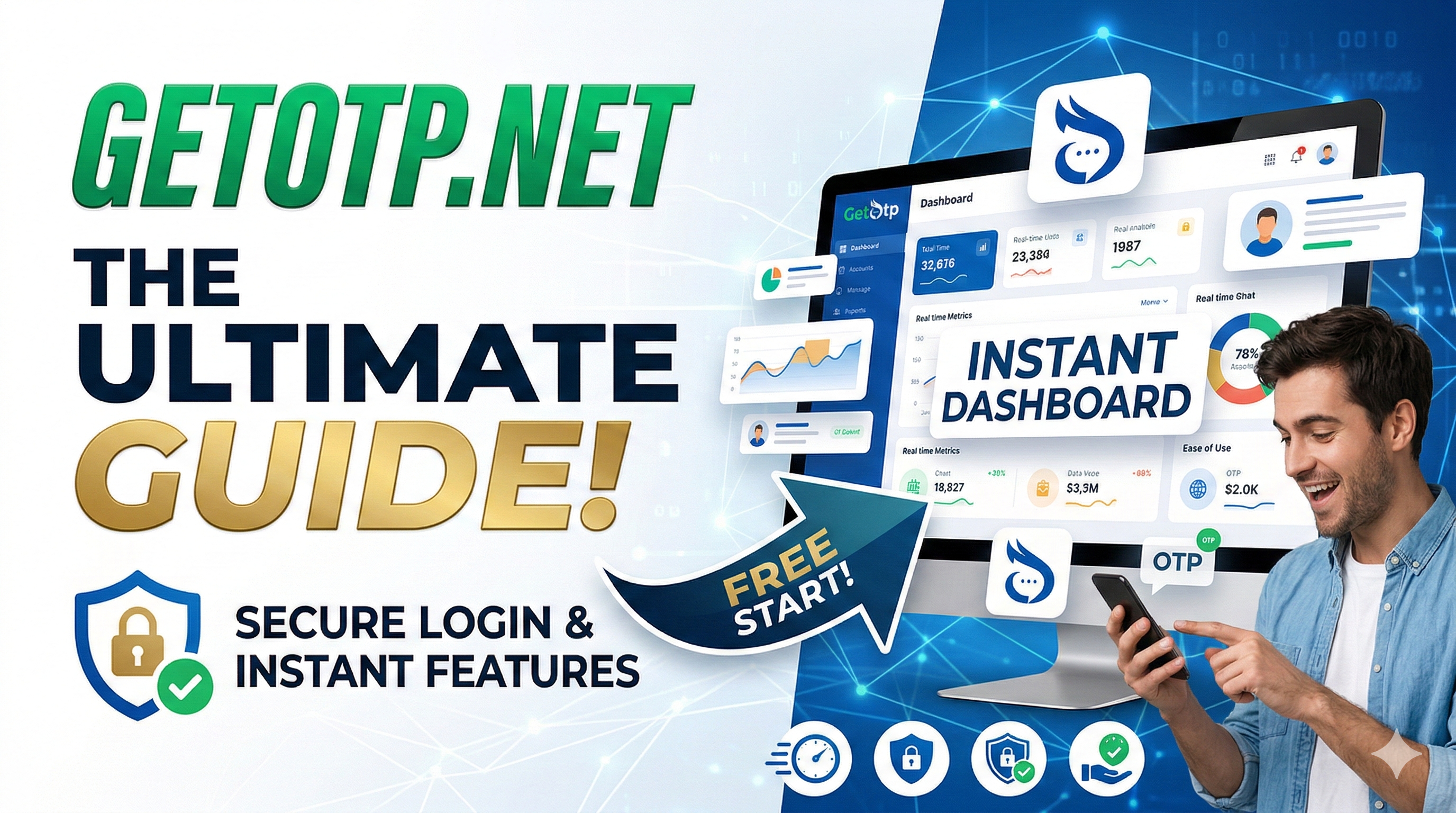
Once you are logged in, you will notice a streamlined, high-speed interface designed for 2026's fast-paced digital needs. Here are the features that set us apart:
A. Real-Time SMS Fetching (Node.js Powered)
Our dashboard doesn't require constant refreshing. Thanks to our real-time backend, the moment an SMS hits our SIM-pool in the USA, UK, or Pakistan, the code flashes instantly on your screen.
B. Favorite Services & Countries
Do you frequently verify WhatsApp or Google accounts? You can "Star" your most-used services and countries. They will appear at the top of your list every time you perform a getotp login, saving you valuable seconds.
C. Transaction & Order History
Transparency is our priority. Your dashboard maintains a detailed log of every number purchased, every OTP received, and every PKR deposit made. If you ever need to reference a previous verification, your history is just a click away.
D. The "No OTP, No Charge" Toggle
Our automated system monitors your active orders. If the 15-minute timer runs out and no SMS is detected, the dashboard automatically cancels the order and restores your balance. You never pay for a failed verification.
Managing Local Payments (Easypaisa & JazzCash)
One of the most loved features of the GetOTP dashboard is the localized payment integration.
-
Instant Top-up: Simply send the PKR amount to the provided mobile wallet and enter the Transaction ID (TID) directly into the dashboard.
-
Auto-Conversion: Our system automatically converts your PKR into site credits based on the most stable market rates, allowing you to buy international numbers (USA, UK, etc.) without a dollar card.
Pro Tips for GetOTP Dashboard Users
To get the most out of your getotp login experience, keep these tips in mind:
-
Watch the Active Timer: Each number is reserved for you for 15-20 minutes. Ensure you have the app (WhatsApp, Telegram, etc.) open and ready before you click "Buy."
-
Use the Search Filter: With 500+ services available, use the dashboard's search bar to quickly find niche apps like Adobe, Uber, or Airbnb.
-
Keep Your Session Private: Always log out if you are accessing your dashboard from a public computer or a shared office space.
Frequently Asked Questions (FAQs)
Q1: I forgot my getotp login password. What should I do? A: Simply click the "Forgot Password" link on the login page. We will send a secure reset link to your registered email address instantly.
Q2: Can I log in from multiple devices? A: Yes, you can access your GetOTP.Net dashboard from your mobile, tablet, or PC. Your active orders and balance will sync across all devices in real-time.
Q3: Is the getotp login page secure? A: Absolutely. We use HTTPS encryption and advanced firewall protection to prevent brute-force attacks and unauthorized access.
Conclusion: Experience the Future of SMS Verification
GetOTP.Net is more than just a virtual number provider; it is a comprehensive privacy tool built for the modern user. By mastering the getotp login and utilizing our advanced dashboard features, you take full control of your digital footprint.
Stop using insecure, public SMS walls. Join the thousands of professionals who trust GetOTP.Net for their daily verification needs.
Secure Your First Number – Perform Your getotp login Now!