introduction: Understanding the WhatsApp Anti-Spam Shield
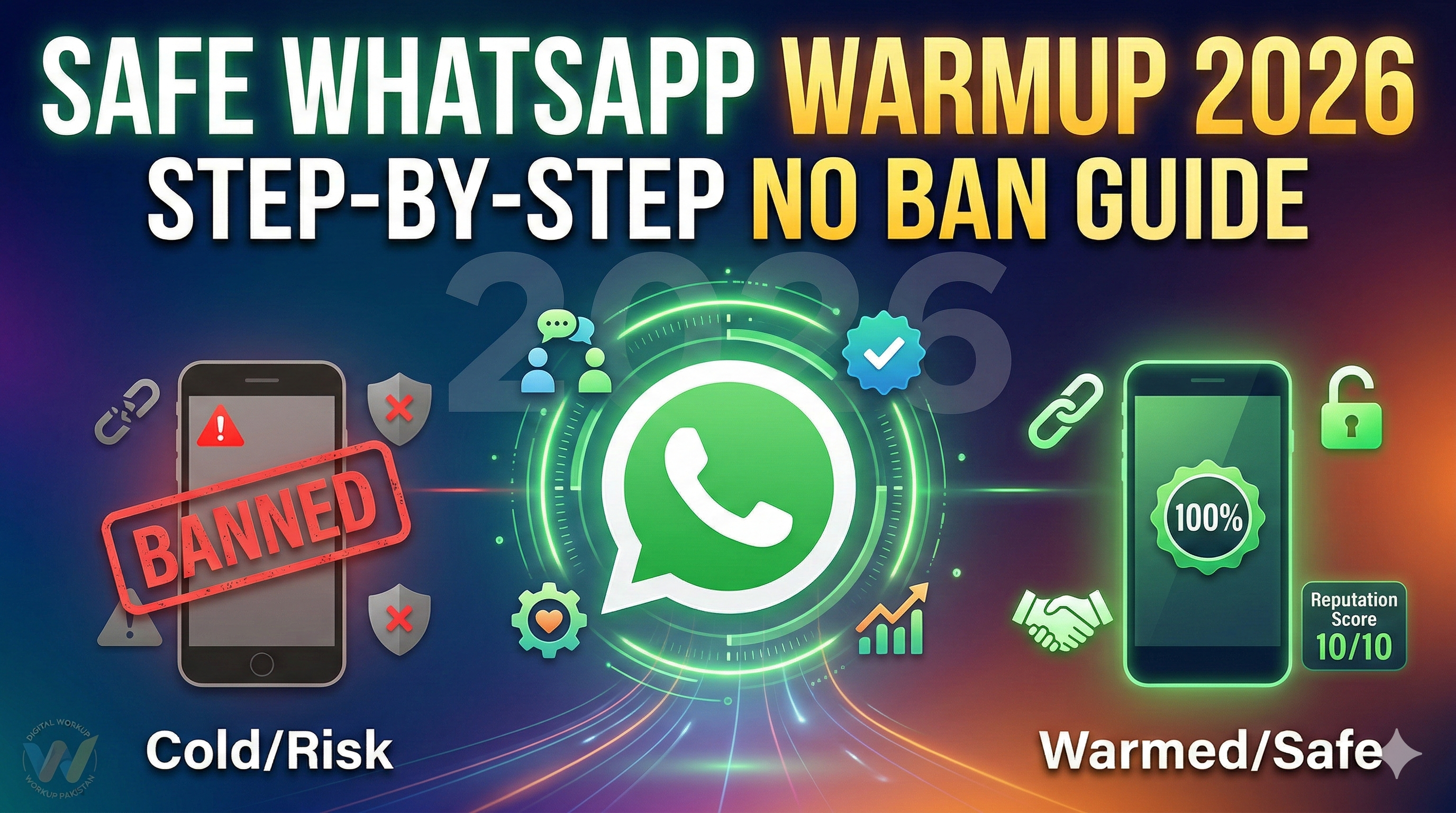
In 2026, WhatsApp’s AI security—Meta Guard—has become incredibly sensitive to new account behavior. Getting a new number banned is a common and expensive mistake for digital marketers and freelancers. The key to survival is "Warming Up." If your account behaves like a real human from day one, you drastically reduce the risk of a permanent ban. Using a high-quality number from GetOTP.net is the first step, but how you handle the first 72 hours determines the life of your account.
Step 1: The Golden Hour of Inactivity
Immediately after activating your WhatsApp with a code from GetOTP.net, the most important thing you can do is nothing.
-
Wait 1–2 Hours: Do not send any messages, add contacts, or join groups.
-
Avoid Spikes: Sudden activity on a brand-new IP/Number combination is the #1 trigger for an instant ban. Let the account "settle" into the WhatsApp ecosystem naturally.
Step 2: Establish Human Identity (Profile Completion)
Accounts without an identity look like bots to WhatsApp’s 2026 filters. Small details act as massive trust signals.
-
Profile Photo: Upload a clear, non-stock image.
-
Set a Name: Use a realistic name, not "Admin" or "Sales."
-
Update Status: Set a simple "About" status. This confirms to the server that a human is configuring the personal settings.
Step 3: Start with Natural, Low-Volume Conversations
During Day 1 and Day 2, your goal is to generate "Inbound" engagement.
-
Message 1–2 Known Contacts: Only message people you know will reply.
-
Encourage Replies: WhatsApp trusts accounts that receive replies more than those that only send outbound texts.
-
Avoid Red Flags: No links, no copy-pasted marketing scripts, and absolutely no bulk messaging in the first 48 hours.
Step 4: The Gradual Activity Ramp-Up
WhatsApp looks for progressive behavior, not sudden spikes. Follow this safe 2026 ramp-up schedule for numbers obtained via GetOTP.net:
-
Day 1-2: 1–2 manual chats with long-form text.
-
Day 3-4: 3–5 chats; join one active, high-quality group.
-
Day 5+: Move toward normal usage.
-
The Rule: If your activity looks like a heartbeat (up and down) rather than a straight vertical line, you are safe.
Step 5: IP and Country Synchronization
If you are using an international virtual number from GetOTP.net, your digital location must match your number.
-
Match the Country: If you bought a UK number (+44), your IP address should show as UK.
-
Avoid Low-Quality VPNs: Shared VPN IPs are often blacklisted. Use a dedicated residential proxy for the best results.
-
Consistency: Changing your IP country frequently will trigger a "Suspicious Login" lock.
Step 6: Total Ban on Early Automation
In 2026, using bots or mass-sending tools on a new number is an instant death sentence for the account.
-
Manual Only: For the first week, every message should be typed manually.
-
No Unofficial Apps: Only use the official WhatsApp or WhatsApp Business app.
-
Avoid API Early: Even official APIs should be introduced only after the number has been warmed up manually for a few days.
Summary: Think Like a Real Person
The secret to staying unbanned is simple: Does this account behave like a real person? By using a fresh, high-reputation number from GetOTP.net and following this warm-up guide, you ensure your communication stays active and your business keeps growing.
Get Your High-Trust WhatsApp Number at GetOTP.net and Start Warming Up Today!